One place for
your entire project.

Chat, tasks, files, calendar, approvals, and more — all inside one conversation per project. Here's what's under the hood.

Chat

The conversation is the project. Every message, file, and update lives in one thread — organized by project, not scattered across apps.

  • Rich text formatting and inline links
  • Threaded replies to keep conversations focused
  • @mentions to notify specific people
  • Emoji reactions for quick acknowledgments

Tasks

Create tasks right inside the conversation. See them on a kanban board when you need the big picture.

  • Kanban board with drag-and-drop
  • Assignees, due dates, and priorities
  • Task status visible in the chat thread
  • Filter and sort by status, assignee, or date

Calendar

Every deadline, meeting, and milestone — visualized. Events are created inside the session and shared with whoever has access.

  • Month, week, and day views
  • Events linked to the conversation
  • Shared with clients who have access
  • See deadlines across all your projects

Files & Media

Every file shared in the conversation is automatically organized. Browse by folder or as a photo gallery — no separate cloud storage needed.

  • Drag-and-drop file uploads
  • Organize files into folders
  • Photo gallery view for images
  • Preview documents without downloading
  • Files linked to the message where they were shared

Approvals

No more "Can you check your email?" follow-ups. Request approval on any deliverable and your client responds with one tap.

  • Request approval on any message
  • Clients tap Approve or Reject
  • Clear record of who approved and when
  • Attach files to the approval request

Sharing & Privacy

Invite anyone — clients, collaborators, subcontractors — and control exactly what they can see and do.

  • Read, Comment, or Edit permissions
  • Internal notes stay private
  • Clients see the project without seeing your workspace
  • Revoke access at any time

Templates

Set up a project once, reuse it forever. Templates include pre-built tasks, sections, checklists, and structure — ready to go for every new client.

  • Create templates from any existing session
  • Pre-built tasks, sections, and checklists
  • Stamp out a new project in seconds
  • Standardize onboarding across clients

Sections

Break long projects into phases. Each section gets its own conversation thread, tasks, and files — keeping everything organized as the project grows.

  • Organize by phase, topic, or milestone
  • Each section has its own chat and tasks
  • Navigate between sections easily
  • Great for multi-phase projects

And there's more

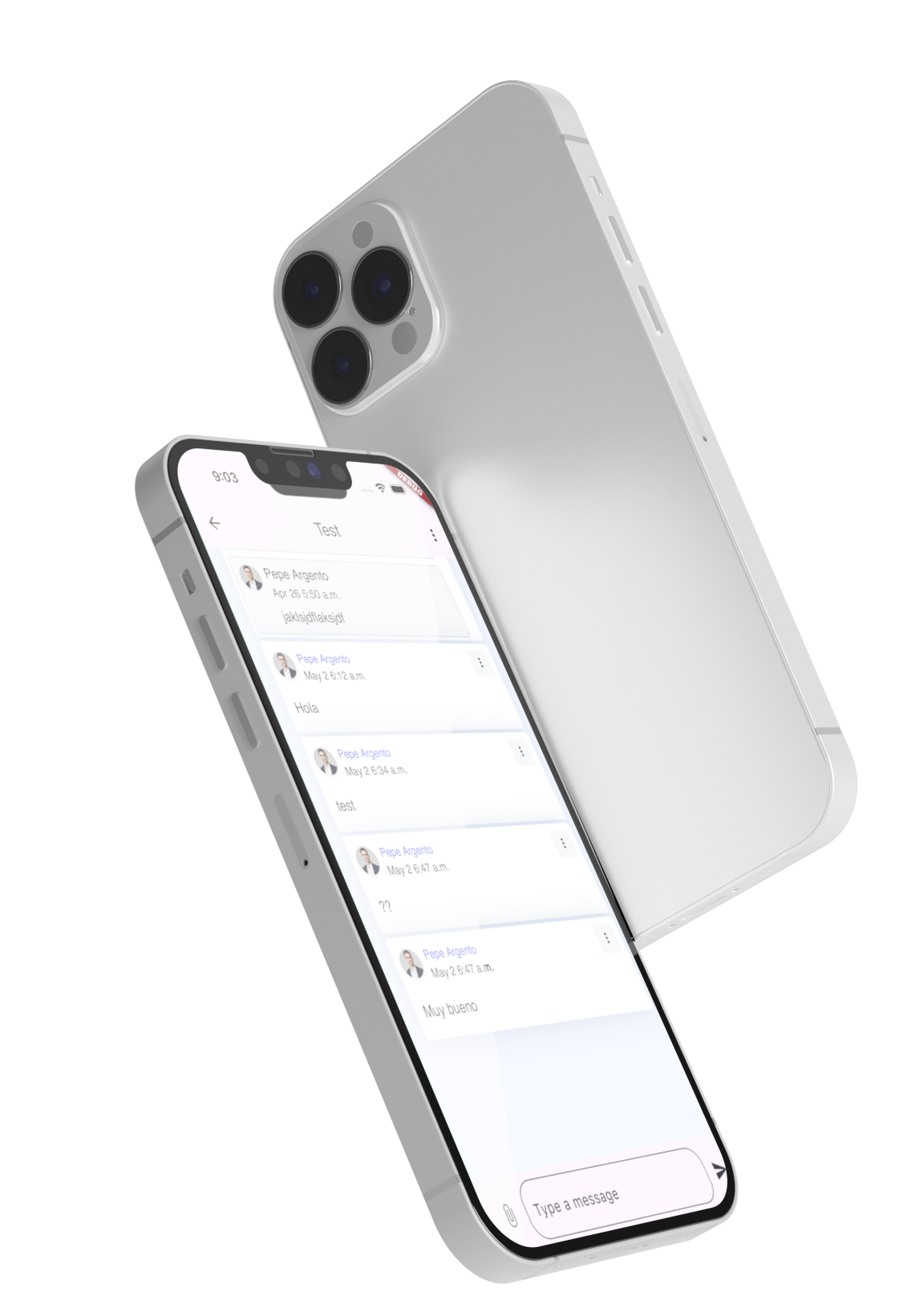
Mobile App

Check in from anywhere. iOS and Android.

Notifications

Push, email, and in-app. Never miss an update.

Search

Find any message, file, or task instantly.

Data Export

Your data is yours. Download everything in one click.

Ready to see it in action?

Start free. No credit card required. Set up your first project in under 2 minutes.
Opeego mobile app